FREE DELIVERY TODAY - Place your 1st order.

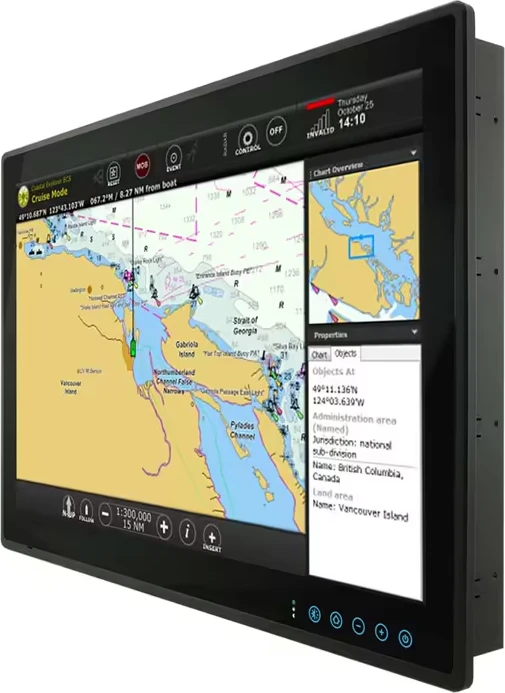
Seatronx CD-24T – 24-Inch Commercial Touch Screen Display
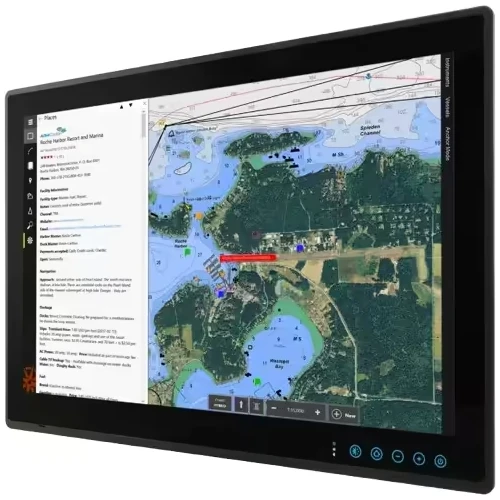
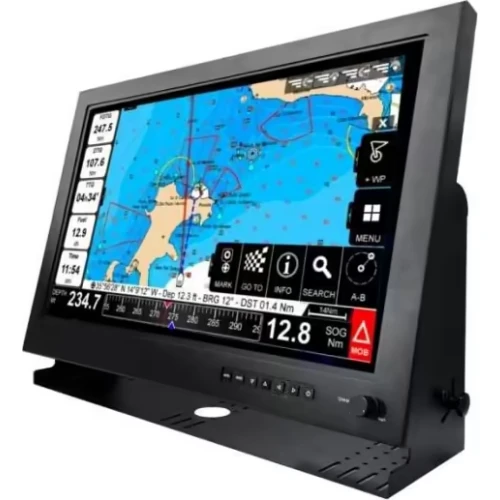
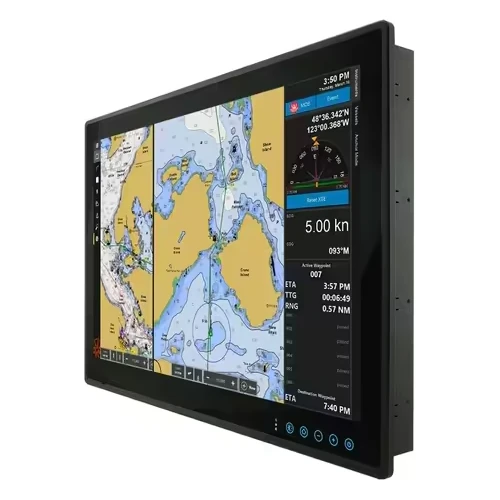
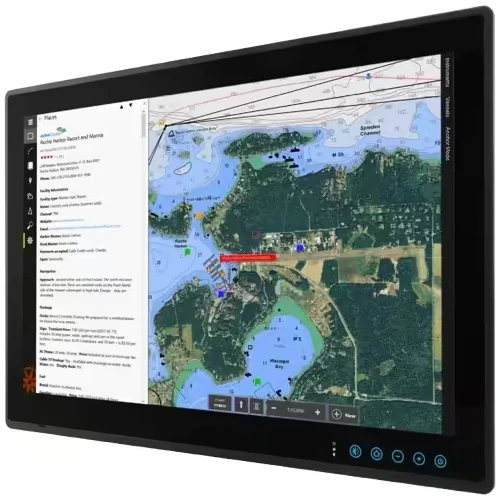
The Seatronx CD-24T presents a 24-inch commercial touch screen display for direct marine equipment operation across larger vessel consoles.
- 24-inch screen expands interface space.
- Commercial format suits vessel installations.
- Touch Screen enables direct control.
- Marine display presents connected data.
- CD-24T identifies the configuration.
Products are almost sold out
available only:
3In Stock
Description
A 24-inch Full HD panel gives the Seatronx CD-24T Commercial Touch Screen Display a 16:9 viewing format with 1,000-nit brightness and 178-degree horizontal and vertical viewing angles. PCAP multi-touch provides screen interaction, while HDMI, DVI, and VGA inputs accept the listed video sources. USB carries touch data, and 12V or 24V DC input supports the stated electrical configuration.
The display uses a ruggedized commercial chassis measuring 595 by 372 by 65mm and weighing 9.5kg. Flush and VESA 100 mounting are supported, with on-screen menu control for backlight adjustment.
Key Specifications of the Seatronx CD-24T Commercial Touch Screen Display
- 24-inch widescreen LED panel presents Full HD video.
- 1920 by 1080 pixels define the Full HD resolution.
- 1,000 nits identifies the specified brightness level.
- PCAP multi-touch provides the touchscreen interface.
- HDMI, DVI, and VGA inputs accept video sources.
- USB carries touchscreen data to the connected system.
- 12V and 24V DC input options are specified.
- Maximum power consumption is 55 watts.
- Flush and VESA 100 mounting options are listed.
- IP65 front and IP20 rear ratings are specified.
Screen, Controls, and Display Functions
The CD-24T uses a 24-inch 16:9 screen with 1920 by 1080 resolution, 1,000 nits brightness, a 1000:1 contrast ratio, and 178-degree viewing angles. PCAP multi-touch provides screen interaction, while on-screen menu controls adjust the backlight level.
Mounting, Power, and Compatibility Considerations
Verify the 595 by 372 by 65mm housing dimensions, flush or VESA 100 mounting, connector clearance, 12V or 24V DC supply, and maximum 55-watt draw before installation. Confirm that the connected equipment uses HDMI, DVI, or VGA video output and that USB touch data is required.
Warranty and Support
The Seatronx CD-24T Commercial Touch Screen Display includes a verified 1-Year warranty. These terms reflect currently available manufacturer information, and buyers should verify active warranty policies directly with the seller or manufacturer before purchase.
Before Ordering the Seatronx CD-24T Commercial Touch Screen Display
Verify the 24-inch screen size, Full HD resolution, PCAP touchscreen, mounting method, housing dimensions, 12V or 24V DC supply, input connections, power draw, and package contents before ordering.
| Display Type | Commercial Grade Widescreen LED |
| Screen Size | 24-Inch Diagonal |
| Resolution | 1920 x 1080 FHD |
| Brightness (Luminance) | 1000 Nits |
| Aspect Ratio | 16:9 |
| Touchscreen Technology | PCAP Multi-Touch |
| Viewing Angles | 178° H / 178° V |
| Contrast Ratio | 1000:1 |
| Video Inputs | HDMI, DVI, VGA |
| Video Outputs | N/A |
| Data Connectivity | USB (Touch) |
| Operating Voltage | 12V/24V DC |
| Power Consumption (Max) | 55 Watts |
| Backlight Dimming | On-Screen Menu Control |
| Housing Material | Ruggedized Commercial Chassis |
| Mounting Options | Flush Mount / VESA 100 |
| Waterproof Rating (Front) | IP65 |
| Waterproof Rating (Rear) | IP20 |
| Operating Temperature | 0°C to +50°C |
| Dimensions (WxHxD) | 595 x 372 x 65 mm |
| Weight | 9.5 kg (20.9 lbs) |
| Warranty | 1 Year |
You must be logged in to post a review.
Reviews
There are no reviews yet.